Features
File manager
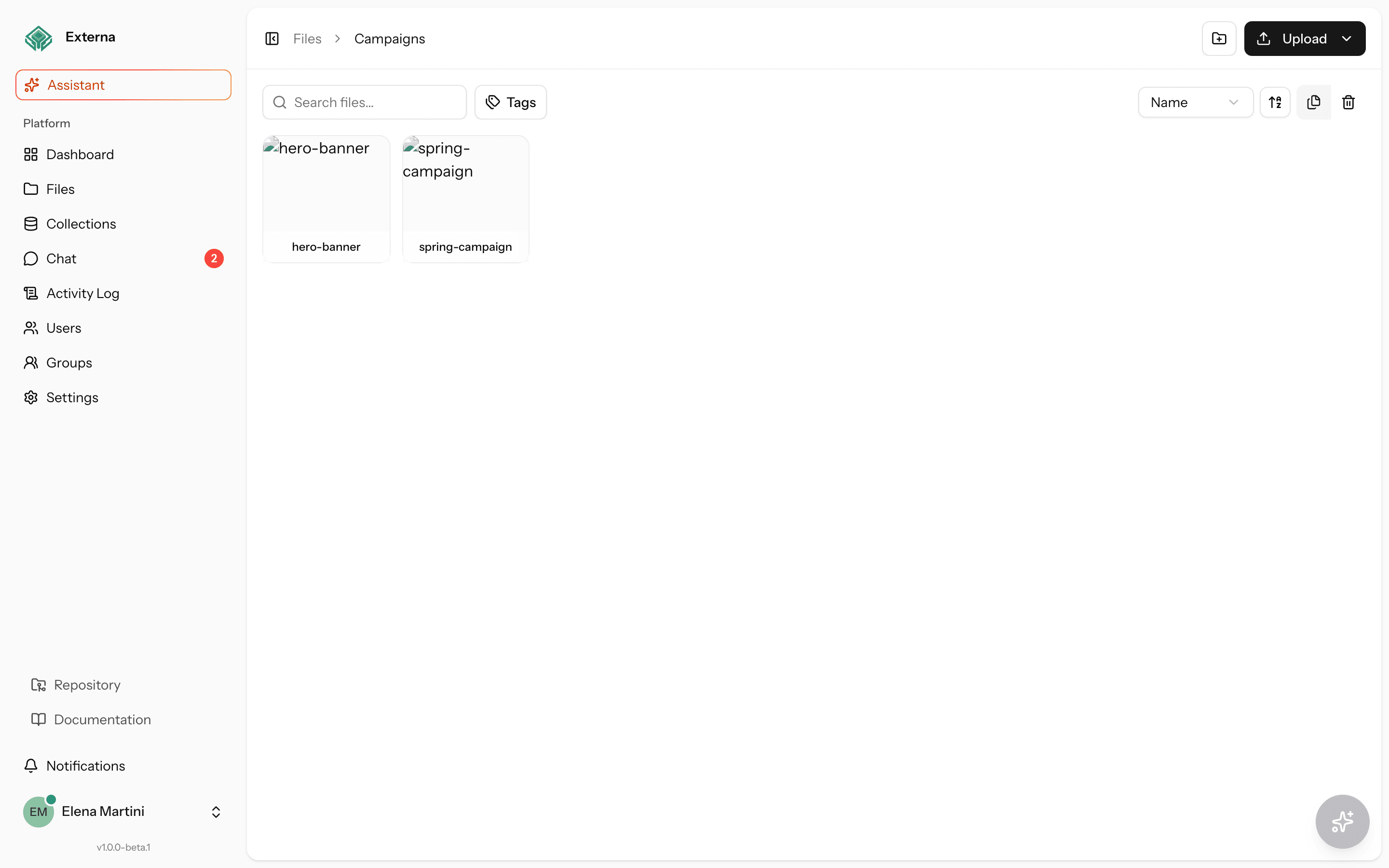
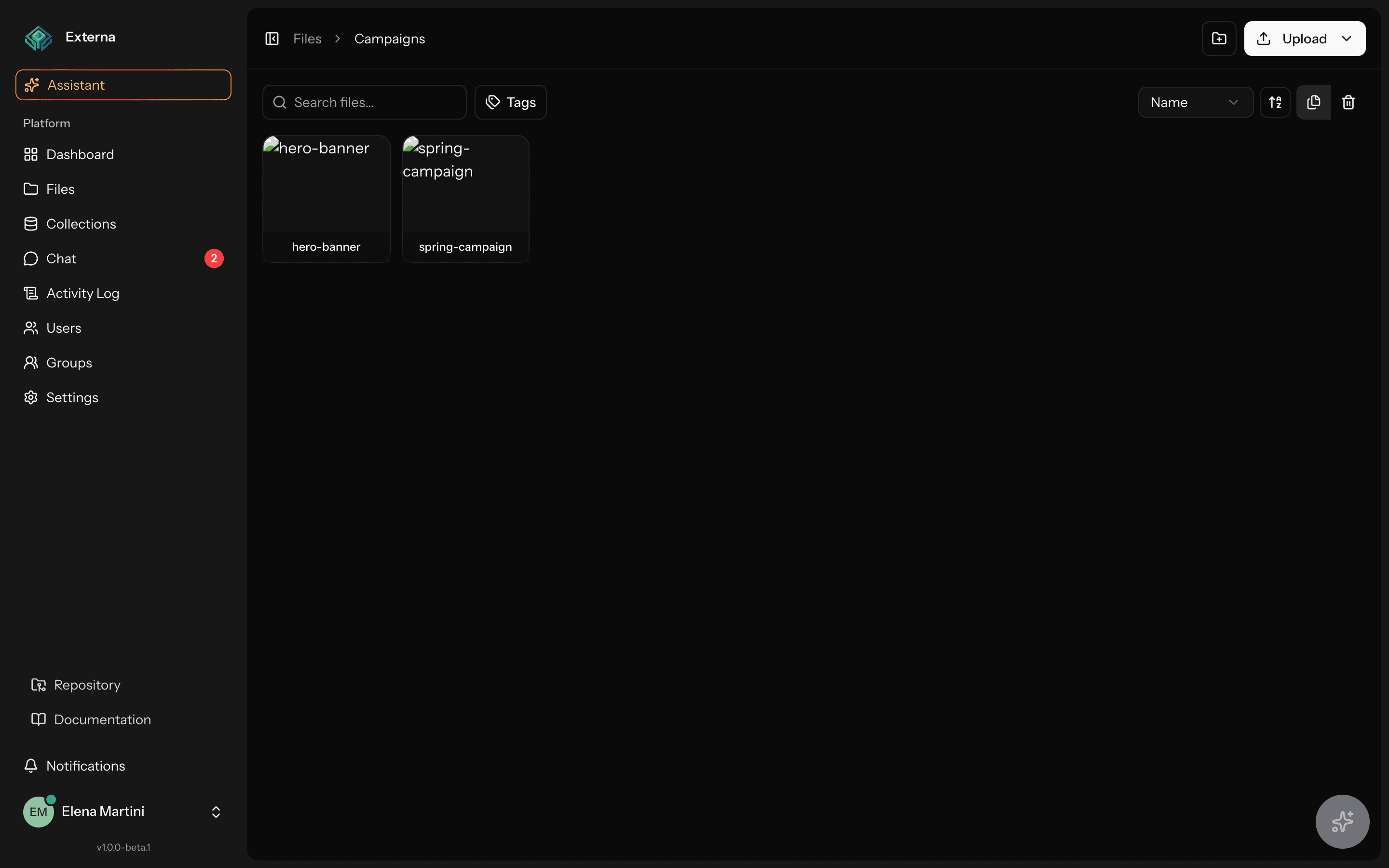
The file manager is the admin UI and JSON API under /files/*. FileController delegates to FileService (and transform/jobs for thumbnails, zip, and duplication). Every request passes through can.manage.files, which maps the route (and bulk action) to a specific file permission.
Related
Tree / versions / uploads model: File tree model. Disks & limits: Files & storage. HTTP tables: Admin & files API. Async outcomes land in the notifications bell.
Access & UI
| Item | Detail |
|---|---|
| Controller | App\Http\Controllers\Admin\FileController |
| Service | App\Services\FileService (plus FileTransformService for thumbnails) |
| Middleware alias | can.manage.files → App\Http\Middleware\EnsureCanManageFiles |
| Routes | routes/admin.php (prefix /files) |
| Frontend | resources/js/pages/admin/files/index.tsx |
| Sidebar gate | can-show-files |
| UI i18n | files.* keys in resources/js/locales/{en,it,de}.json (shell locale) |
The single Inertia page handles browse, selection, uploads, and bulk actions; many operations also expose JSON endpoints for the same UI. Labels follow the signed-in user’s admin UI locale (en / it / de) — see Account settings — Admin UI locale.
Upload security
File Manager uploads are denylist-based (last path extension wins), not a MIME allowlist. FileService calls App\Support\Uploads\ForbiddenUploadExtension on:
- Direct upload (
uploadFile) and replace - Chunked upload init / complete (session
file_name) - Rename (new name)
Forbidden extensions include executable / script families such as php, phtml, phar, exe, bat, cmd, js, mjs, vbs, asp/aspx, jsp, sh, ps1, dll, so, and related aliases, plus svg / html / htm (stored XSS / content-sniff when served from a public disk). Rejection is a validation error (This file type is not allowed.).
Plain-text fields (display name, metadata string values, tags) pass through App\Support\Security\PlainTextSanitizer (trim + strip_tags) before persist — stored XSS mitigation for the Files UI, not a full HTML sanitizer.
Public vs private visibility
Each file/folder has an access field (files.access): public, private, or null (inherit from the nearest ancestor). The detail panel Visibility select sets Inherit / Public / Private; folders marked private apply to children unless a child overrides. Admin users always see every file.
Bytes: effective-private files on the local assets family live on the private_assets disk (storage/app/private/assets) — not under storage:link / /storage/assets/.... FileTransformService::publicUrl() returns null for private files; the admin File Manager uses the session-auth GET /files/{file}/download (and thumbnail) path. Public files keep {FILE_PUBLIC_URL_BASE}/storage/assets/.... After upgrading, run php artisan files:migrate-private-disk once to move any legacy private bytes still on the public disk — Files configuration.
Public CMS API (role Files access): read covers public files; read_private unlocks effective-private files. Without read_private, get/content/transform return 403, list omits private rows, and item expanders return null / omit (no id leak). Without read on a public file field expand (include=files), the payload is { "id": N, "access": "denied" } — grant Files → Read on the role. Typical public role: Read ✓, Read private ✕ — see Public CMS API and Roles & permissions.
Leave guard during upload
While any upload is pending / uploading, the files page registers with the admin leave guard. Navigating away shows Upload in progress — Leave anyway lets uploads finish in the background (global in-memory store); Keep editing stays on the page. Soft/force delete and bulk delete open a confirm dialog before running.
Open a file’s detail panel via ?file={id} on /files (synced when opening/closing the panel). See Routing — Admin UI deep-links.
Where used (collection references)
The detail panel Where used section calls GET /files/{file}/where-used (files.where-used). FileWhereUsedScanner scans collections_items_values for image / file / files / blocks fields that store this file id (on-demand; ~30s cache; no dedicated DB index in v1).
Each hit links to the item editor (/collections/{id}/items/{item_id}) and shows the field name. Soft-deleted items are ignored.
Soft/force delete confirms still allow Delete anyway when references exist — the dialog shows a reference count when the selected files can be scanned quickly (≤10 files). Open the detail panel for the full list of links.
Limits
Where-used is an on-demand LIKE prefilter + exact id match. Nested block file fields are supported; very large catalogs may feel slow until a dedicated index lands.
Capabilities
| Capability | How |
|---|---|
| Browse | GET /files/{folder?} (Inertia) and GET /files/list (JSON, page size 50) |
| Folders | POST /files/folders → FileService::createFolder |
| Direct upload | POST /files/upload → uploadFile |
| Chunked upload | POST /files/uploads/init, …/chunk, …/complete; GET …/status |
| Replace / versions | POST /files/{file}/replace → replaceFile / version resolution |
| Copy | POST /files/{file}/copy — sync or queued (see below) |
| Move / rename | PATCH …/move, PATCH …/rename |
| Metadata | PATCH /files/{file} → updateMetadata (includes visibility access) |
| Tags | GET /files/tags, PUT /files/{file}/tags (Spatie tags) |
| Favorites | POST/DELETE /files/{file}/favorite |
| Soft / force delete | DELETE /files/{file}, POST …/restore, DELETE …/force |
| Where used | GET /files/{file}/where-used → collection item references |
| Attach / detach | POST …/attach, POST …/detach (polymorphic links) |
| Thumbnails | GET /files/{file}/thumbnail → FileTransformService::ensureThumbnail (images) |
| Bulk | POST /files/bulk — move, delete, restore, force_delete, favorite/unfavorite, tag/untag, copy |
| Single download | GET /files/{file}/download |
| Zip (async) | POST /files/download → PrepareFilesZipJob; download GET /files/zips/{jobId} |
Duplicate: sync vs queue
FileController copy behavior:
- Sync when the source is not a folder and
size <= config('files.duplicate_sync_max_bytes', 52428800)(~50 MiB). - Queue
DuplicateFilesJobotherwise (folders, larger files, or bulkaction=copy) → HTTP 202 with{ queued: true, job_id }.
Completed/failed duplication notifies via FileDuplicationCompletedNotification / FileDuplicationFailedNotification.
Zip async + notifications
PrepareFilesZipJob builds the archive; the user is notified with:
FileZipReadyNotification(type:file_zip_ready) — download viafiles.zips.downloadFileZipFailedNotification(type:file_zip_failed)
can.manage.files mapping
EnsureCanManageFiles resolves the required permission with EffectivePermissionResolver, then checks it.
Named route overrides
| Route name(s) | Permission |
|---|---|
files.restore | can-restore-files |
files.force-delete | can-force-delete-files |
files.download, files.download-many, files.zips.download | can-download-files |
files.favorite, files.unfavorite | can-favorite-files |
files.copy | can-copy-files |
files.replace | can-replace-files |
files.tags | can-tag-files |
files.update | can-update-file-metadata |
Bulk action → permission
action | Permission |
|---|---|
restore | can-restore-files |
force_delete | can-force-delete-files |
favorite / unfavorite | can-favorite-files |
tag / untag | can-tag-files |
copy | can-copy-files |
delete | can-delete-files |
move / default | can-edit-files |
Default by HTTP method
If no override matches:
| Method | Permission |
|---|---|
GET / HEAD | can-show-files |
POST | can-create-files |
PUT / PATCH | can-edit-files |
DELETE | can-delete-files |
File PermissionEnum values
can-show-files
can-create-files
can-edit-files
can-delete-files
can-restore-files
can-force-delete-files
can-download-files
can-favorite-files
can-copy-files
can-replace-files
can-tag-files
can-update-file-metadata
Route checklist
GET    /files/list
GET    /files/tags
POST   /files/folders
POST   /files/upload
POST   /files/bulk
POST   /files/download
GET    /files/zips/{jobId}
PATCH  /files/{file}
POST   /files/{file}/replace
POST   /files/{file}/copy
POST   /files/{file}/favorite
DELETE /files/{file}/favorite
PUT    /files/{file}/tags
GET    /files/{file}/download
GET    /files/{file}/thumbnail
PATCH  /files/{file}/move
PATCH  /files/{file}/rename
DELETE /files/{file}
POST   /files/{file}/restore
DELETE /files/{file}/force
POST   /files/{file}/attach
POST   /files/{file}/detach
POST   /files/uploads/init
POST   /files/uploads/chunk
POST   /files/uploads/complete
GET    /files/uploads/status
GET    /files/{folder?}          # Inertia index (whereNumber folder)
Jobs
| Job | Notifications |
|---|---|
App\Jobs\PrepareFilesZipJob | FileZipReadyNotification, FileZipFailedNotification |
App\Jobs\DuplicateFilesJob | FileDuplicationCompletedNotification, FileDuplicationFailedNotification |
Source map
| Concern | Location |
|---|---|
| Controller | app/Http/Controllers/Admin/FileController.php |
| Middleware | app/Http/Middleware/EnsureCanManageFiles.php |
| Service | app/Services/FileService.php |
| Extension deny | app/Support/Uploads/ForbiddenUploadExtension.php |
| Plain-text strip | app/Support/Security/PlainTextSanitizer.php |
| Alias | bootstrap/app.php → can.manage.files |
| Page | resources/js/pages/admin/files/index.tsx |
| Locale strings | resources/js/locales/{en,it,de}.json → files.* |