Features
Account settings
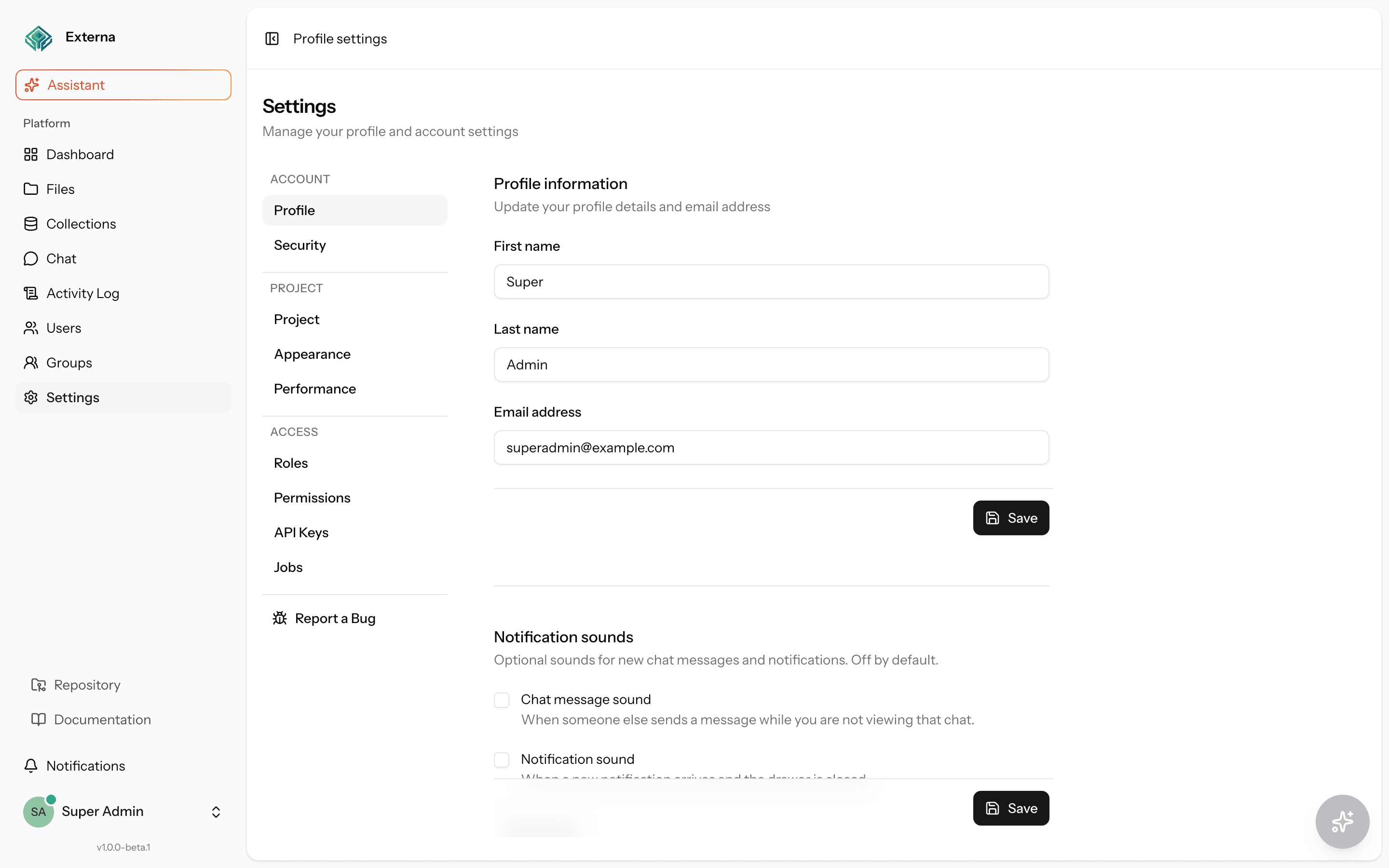
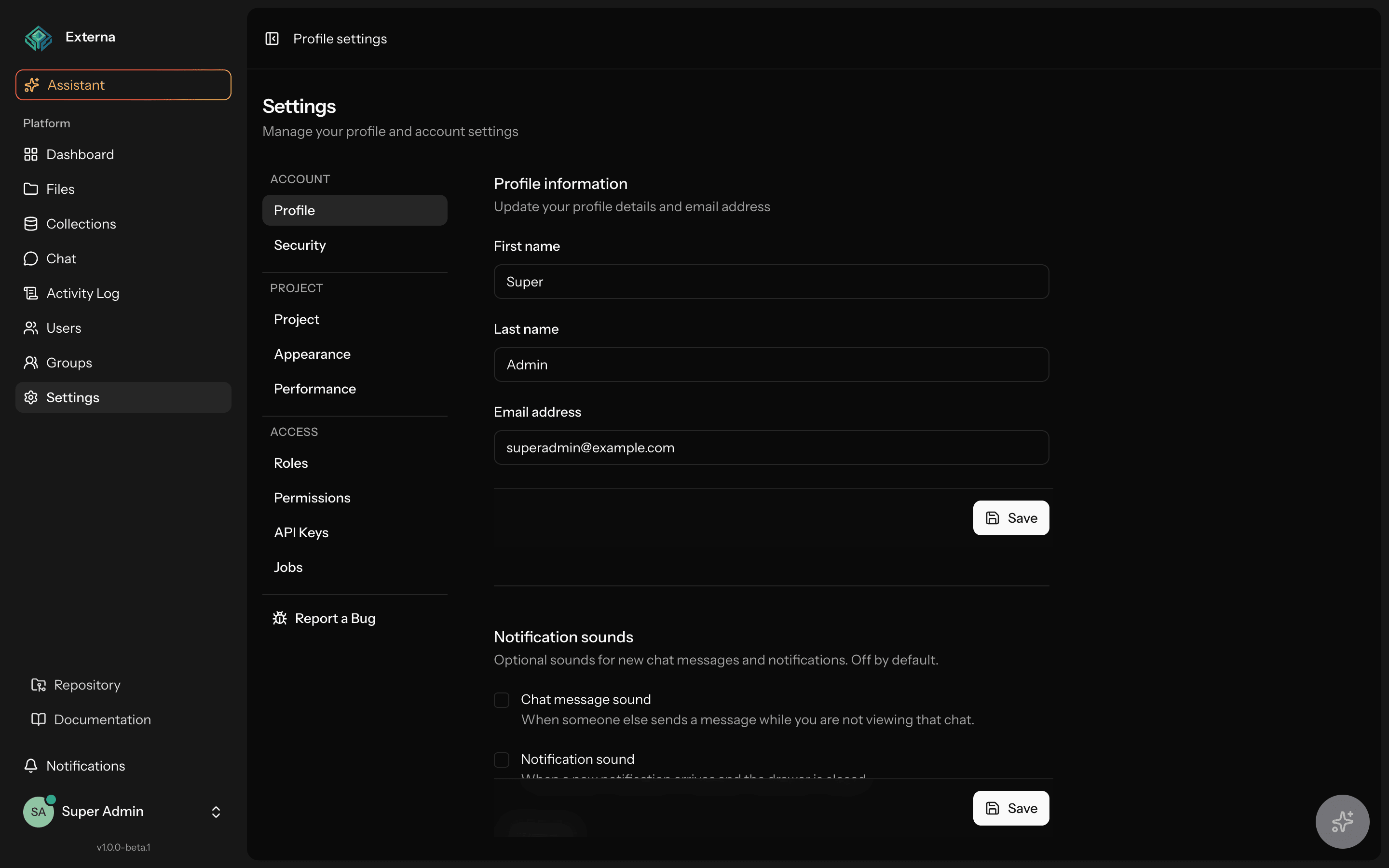
Account settings let the signed-in user manage profile fields, password, Fortify two-factor authentication / passkeys, and admin UI locale. Routes live under /settings/* with session auth. Project branding and content locales are not here — see Project settings.
Related
Auth stack & Fortify features: Effective permissions and Architecture. Passkeys (register, sign-in, MFA): Passkeys. Soft-delete of the account uses the same User model as Users & groups.
Layout & routes
| Item | Detail |
|---|---|
| Route file | routes/settings.php |
| Layout | resources/js/layouts/settings/layout.tsx |
| Entry | /settings redirects to /settings/profile |
| Method | Path | Name | Middleware |
|---|---|---|---|
GET | /settings/profile | profile.edit | auth |
PATCH | /settings/profile | profile.update | auth |
PATCH | /settings/locale | locale.update | auth |
DELETE | /settings/profile | profile.destroy | auth, verified |
GET | /settings/security | security.edit | auth, verified (+ optional password.confirm) |
PUT | /settings/password | user-password.update | auth, verified, throttle:6,1 |
Project / branding routes (/settings/project, /settings/appearance) require can-manage-project-settings — documented under Project settings.
Profile
| Item | Detail |
|---|---|
| Controller | App\Http\Controllers\Settings\ProfileController |
| Page | resources/js/pages/settings/profile.tsx |
Edit / update
edit renders Inertia settings/profile with props mustVerifyEmail and status.
update uses ProfileUpdateRequest / ProfileValidationRules:
| Field | Rules |
|---|---|
first_name | Required |
last_name | Required |
email | Required, unique ignoring self |
If the email changes, email_verified_at is set to null.
Delete account
destroy uses ProfileDeleteRequest (password must be current_password), then logs out, soft-deletes the user, invalidates the session, and redirects to /.
Admin UI locale
| Item | Detail |
|---|---|
| Route | PATCH /settings/locale (locale.update) |
| Controller | LocaleController |
| Cookie | locale (not encrypted — see Routing) |
This changes the shell language (en/it/de from config/i18n.php). It does not change project content locales. File Manager copy lives under the files.* namespace in resources/js/locales/{en,it,de}.json — see File manager.
Password, 2FA & passkeys (Fortify)
| Item | Detail |
|---|---|
| Controller | App\Http\Controllers\Settings\SecurityController |
| Page | resources/js/pages/settings/security.tsx |
| Password route | PUT /settings/password |
Password
PasswordUpdateRequest: current_password, password + confirmed + Password::default(). Throttled at 6/minute.
Two-factor authentication
Configured in config/fortify.php:
Features::twoFactorAuthentication([
    'confirm' => true,
    'confirmPassword' => true,
]);
SecurityController implements HasMiddleware: when Fortify 2FA or passkeys have confirmPassword enabled, password.confirm applies to edit only.
The security page surfaces Fortify 2FA props when the feature is on; enable/disable flows use Fortify’s two-factor routes (@/routes/two-factor). User model trait: TwoFactorAuthenticatable.
Passkeys
Full guide: Passkeys (secure context / HTTP vs HTTPS, register, sign-in, confirm password with passkey, two_factor_required, APP_URL / RP, Herd TLS, migration).
Configured in config/fortify.php:
Features::passkeys([
    'confirmPassword' => true,
]);
Plus the passkeys config block (relying_party_id, allowed_origins, user_handle_secret, timeout) derived from APP_URL / APP_KEY. User implements PasskeyUser and uses PasskeyAuthenticatable (alongside TwoFactorAuthenticatable).
Register / manage on Settings → Security: confirm password or Confirm with passkey (when enrolled and confirmPassword is on) → name the device → Add passkey → platform authenticator prompt → list shows name / created / last used; Delete removes that credential only for the signed-in user (@laravel/passkeys + Fortify passkey.* routes).
Sign in on auth/login via Sign in with passkey (usePasskeyVerify) — passwordless, no TOTP challenge after a successful assertion. PasskeyLoginResponse redirects with the same HomePath resolver as password login. Email + password remains available; if the user has confirmed TOTP, the Fortify challenge still applies on that path.
Confirm password (sensitive actions / password.confirm): password form is always available; Confirm with passkey only when enrolled + feature on + secure context — full behavior, abort, and HTTP fallback: Confirm password with a passkey.
MFA: project two_factor_required is satisfied by confirmed TOTP or ≥1 passkey. When the setting is on and the user has neither, /settings/security shows banner twoFactorEnforcedForUser — see Project settings and the decision table.
Personal theme (light / dark)
Light/dark preference is client-driven via localStorage and the appearance cookie. HandleAppearance applies it on subsequent requests. UI: AppearanceTabs / useAppearance (typically in the user menu).
This is not the Settings → Appearance page (that is project branding and requires can-manage-project-settings).
High contrast / reduce motion live in the same user menu under Accessibility — see Accessibility.
Email verification
| Item | Detail |
|---|---|
| Fortify feature | Features::emailVerification() in config/fortify.php |
| Verify UI | resources/js/pages/auth/verify-email.tsx |
| App routes | Many product routes require verified |
MustVerifyEmail
The User model may not implement MustVerifyEmail even when Fortify’s feature is enabled — many routes still use the verified middleware. Confirm product expectations before relying on verification alone.
Source map
| Concern | Location |
|---|---|
| Routes | routes/settings.php |
| Profile / security / locale | app/Http/Controllers/Settings/{Profile,Security,Locale}Controller.php |
| Passkeys (full guide) | Passkeys |
| Theme hook | resources/js/hooks/use-appearance.ts, components/appearance-tabs.tsx |
| Appearance middleware | HandleAppearance (web stack in bootstrap/app.php) |
| Project branding | Project settings |